CCTV Video Analytics Software: 2026 Buyer Guide
CCTV video analytics software turns existing camera feeds into alerts, counts, searchable events, and operational signals. For most small and mid-sized businesses, the best choice is the platform that works with the cameras already installed, processes sensitive video in a defensible way, and gives a named operator enough context to act.
What does CCTV video analytics software do?
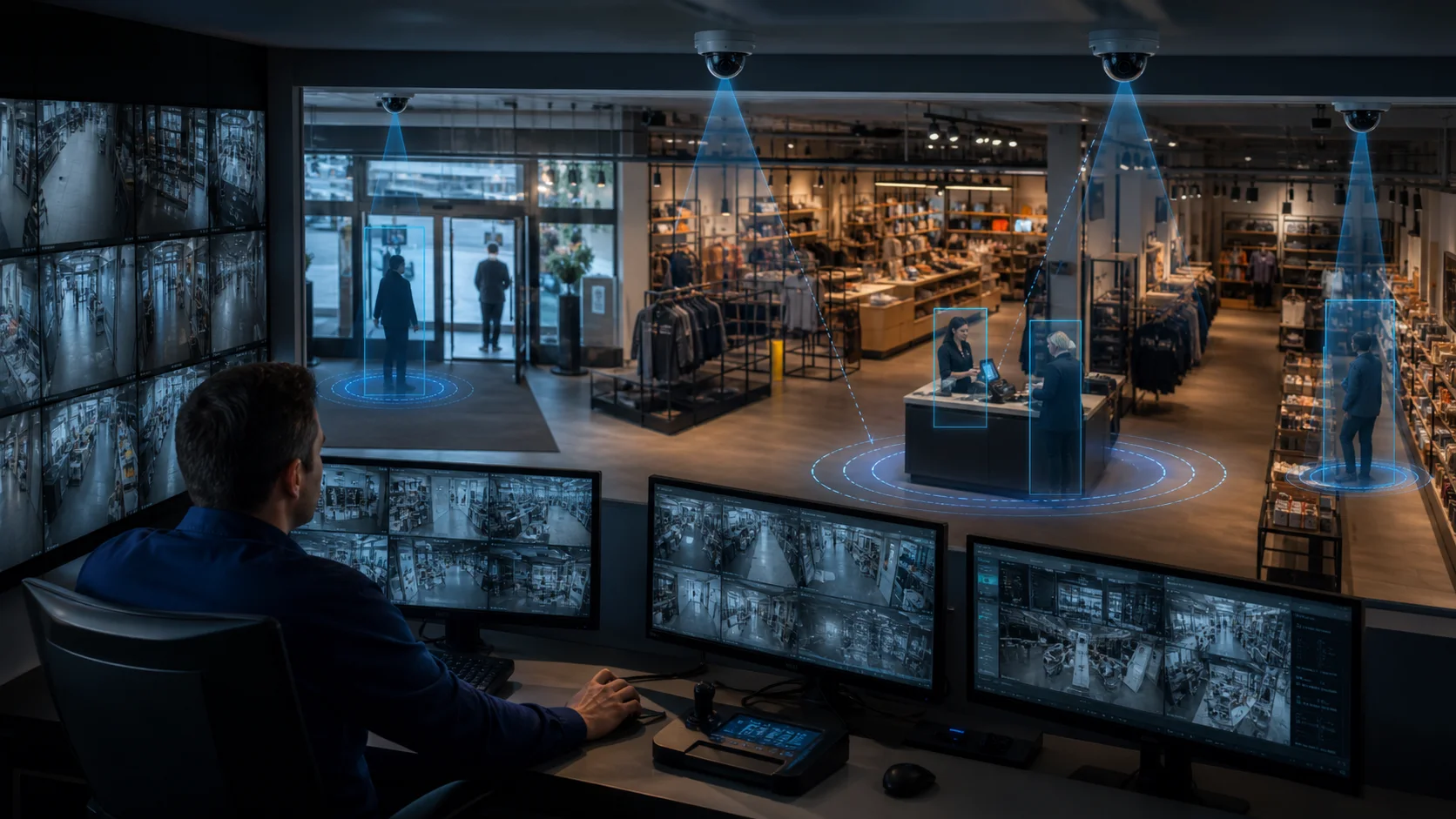
Traditional CCTV records what happened. Analytics adds an interpretation layer: it can detect people or vehicles, watch a zone, count movement, measure dwell time, flag a line crossing, or identify a queue condition. The useful output is not a colourful overlay. It is a timestamped event that answers three questions: what happened, where did it happen, and who should respond?
That distinction matters for a store manager, warehouse supervisor, or security lead. A recorder can help investigate a stockroom entry the next morning. An alert tied to a restricted zone can give the responsible manager a chance to check the situation while it is still relevant. The right workflow depends on the operating question, the camera view, and the response owner.
Which CCTV analytics platform is right for your operation?
There are four practical categories:
- Enterprise VMS analytics: Built for large estates, formal security teams, and deep investigation workflows. These platforms can be powerful, but they may bring certified installation, infrastructure, and integration work that is disproportionate for a small operator.
- Cloud camera platforms: Centralise management and may simplify remote access. Check whether they require proprietary cameras, continuous video upload, or a subscription structure that changes the economics of an existing estate.
- Developer frameworks and APIs: Useful for integrators and software teams building a tailored product. They also transfer model selection, hosting, tuning, and maintenance work to the buyer.
- Software-first local analytics: Adds an analytics layer to compatible cameras and processes detection near the site. This can be a better fit when the priority is a small set of actionable rules rather than a full VMS replacement.
The right comparison is not “which vendor has the longest feature list?” It is “which deployment model lets our operator run the first useful workflow with the least avoidable complexity?”
Can you add analytics to existing CCTV cameras?
Often, yes—but compatibility must be checked rather than assumed. Ask whether the platform accepts the camera or recorder’s feed, which protocols are supported, what resolution and frame rate are practical, and where an edge computer or server will run. A camera that works for recording may still need a better angle, stable stream, or more useful field of view for analytics.
Use a short compatibility checklist:
- Confirm the camera estate and available IP or RTSP feeds.
- Select two or three views where a detection would change a real decision.
- Define the zone, schedule, threshold, and cooldown before enabling alerts.
- Name the person who receives the event and the action they can take.
- Review false positives and missed events before expanding to more cameras.
Horus is designed for this retrofit path. It connects to existing IP cameras, runs the edge software on a Windows PC on the local network, and sends configured event alerts through Telegram or email. The AI video analytics software page explains the supported workflow and deployment boundary.
What should you compare besides detection features?
Start with the operating response, not the model name. A useful buyer scorecard includes:
| Buying question | Why it matters | Evidence to request |
|---|---|---|
| Does it work with the cameras we already own? | Replacing working hardware changes cost and timing. | Feed requirements, supported protocols, and a test view. |
| Where is video processed? | Data flow affects privacy, bandwidth, and outage planning. | A plain-language architecture diagram and retention answer. |
| Can rules be tuned by zone and schedule? | A broad detector creates noise when the scene is not defined. | A sample rule with threshold and cooldown controls. |
| Who receives the alert? | An event has value only when someone can respond. | Recipient, channel, escalation path, and response owner. |
| Can the result be reviewed later? | Teams need context for tuning and handoffs. | Event record with camera, zone, time, and outcome. |
| What is the first-site setup effort? | A long integration project delays learning. | Pilot steps, local compute requirement, and support boundary. |
The last two rows are easy to overlook. A detection that cannot be routed to an accountable operator becomes another notification to ignore. A detection that cannot be reviewed makes it difficult to tune the rule or explain what happened.
How does local processing change the decision?
Local processing keeps the design conversation concrete. With Horus, raw video is processed on the site’s Windows machine rather than sent to a third-party cloud AI service. The team can then evaluate the camera feed, rule, alert destination, and network dependency as one operating workflow.
That does not remove the need for responsible surveillance practices. The operator still needs a lawful purpose, appropriate notice and retention decisions, access controls, and a clear answer to who can see event records. It does make the data flow easier to reason about when a business prefers not to upload continuous raw video.
For a broader architecture comparison, read edge AI vs cloud AI camera analytics. For a retrofit-focused checklist, see how to add AI to existing cameras.
What does CCTV analytics cost?
Avoid comparing a software subscription with an enterprise project as if they were the same product. The total cost usually includes:
- camera or recorder changes, if any;
- local compute, storage, and network preparation;
- software licensing and user access;
- installation or integrator time;
- rule tuning and alert review;
- ongoing maintenance and support.
The most useful first estimate is the cost of one site, three to five cameras, and one operating question—not the theoretical cost of every camera in the estate. Request a pilot scope that identifies the feed, rule, alert recipient, review period, and expansion decision. Do not rely on a headline price until the current offer, included support, and deployment assumptions have been verified.
How should a small business run a pilot?
Give one decision owner two weeks to test three distinct rules:
- one security rule, such as entry to a restricted stockroom;
- one operations rule, such as queue length or dwell time;
- one reporting rule, such as people count by hour.
Track alert volume, false positives, missed events, response time, setup effort, and whether the recipient actually uses the result. This small scorecard is more useful than claiming that an alert proves a loss, a safety incident, or a resolution. It tells the owner whether the system produces a signal that can be acted on in that specific environment.
Horus is a fit when the goal is to add operational alerts and analytics to existing IP cameras without starting with a camera replacement project. It is not positioned as a facial-recognition system, a native mobile app, or a heavily customised enterprise VMS. Buyers with those requirements should compare specialist platforms and integrators against their own deployment constraints.
If your first use case is clear, start your 14-day trial with one site, a small number of cameras, and a named response owner.